Public API
Table of Contents
- Documentation Swagger
- General Information
- Create API User
- Login
- Methods
To access the methods available in the AROBS TrackGPS API, follow these steps:
- Access the AROBS TrackGPS application and click on “My Account”
- Go to “Platform Preferences”
- Click on the link displayed in the “API Link” field
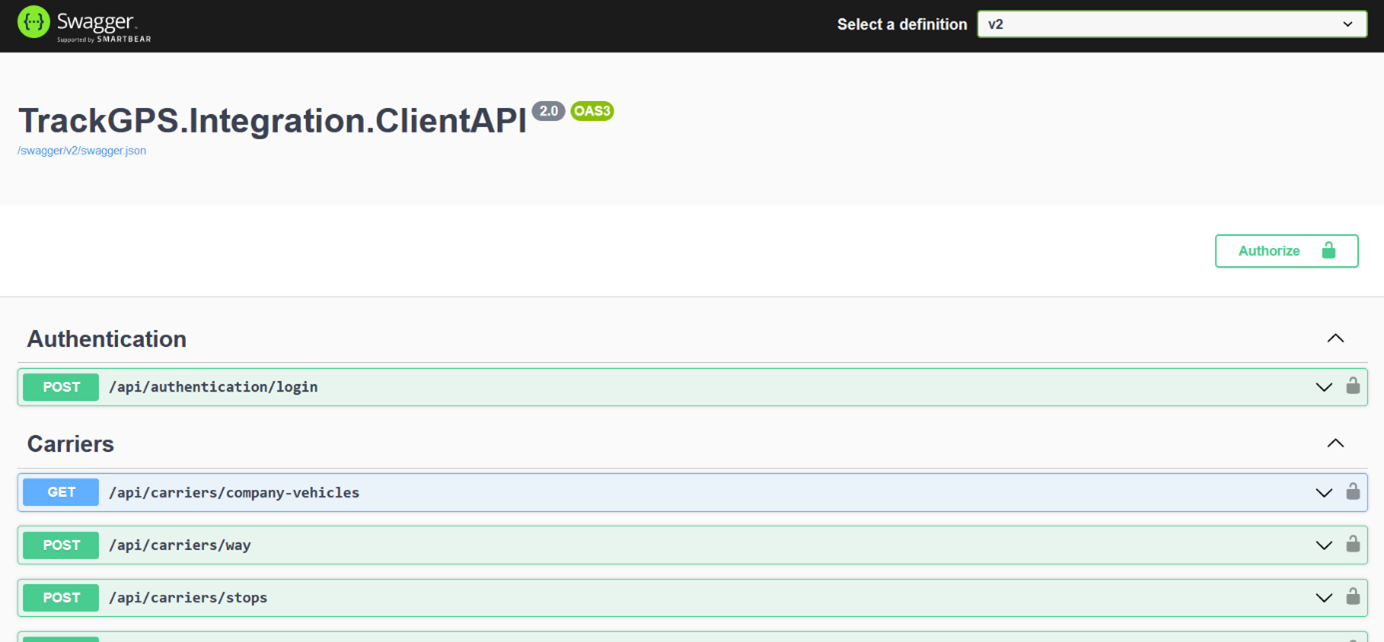
After clicking the link in the “API Link” field, a new page called Swagger will open in your browser. This page provides additional information about the available API methods.
It is important to select the “V2” version of the web service from the top right corner. The page will look like this: