Edit Transport
To edit a transport, click on the UIT code of a transport from the list. This will open the transport edit form.
If the transport was added manually, all fields can be edited except for the UIT code.
For transports added through synchronization with the ANAF platform, only the session start and end dates can be edited. Also, a transport with the status “Finalized” can no longer be edited.
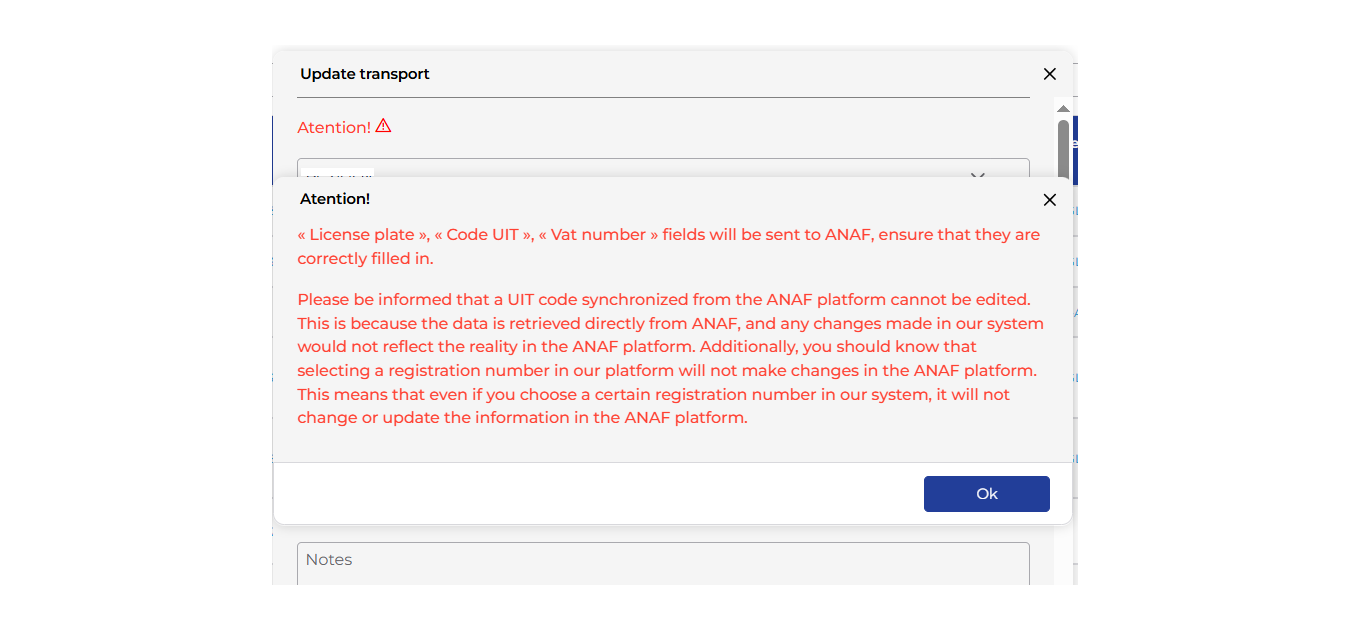
In the transport edit form, a warning message is displayed to inform users that any changes made in the TrackGPS application to information retrieved directly from ANAF about a specific transport will not update the information in the ANAF platform.